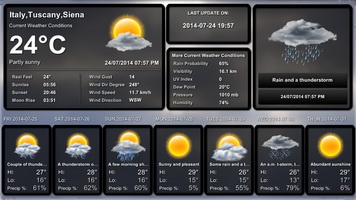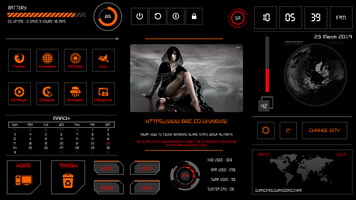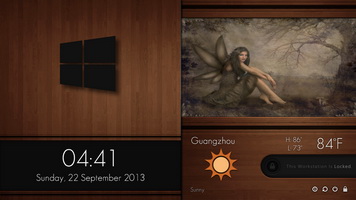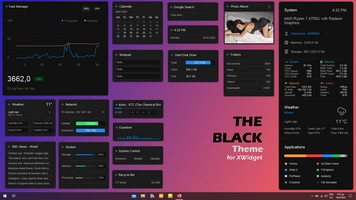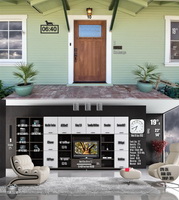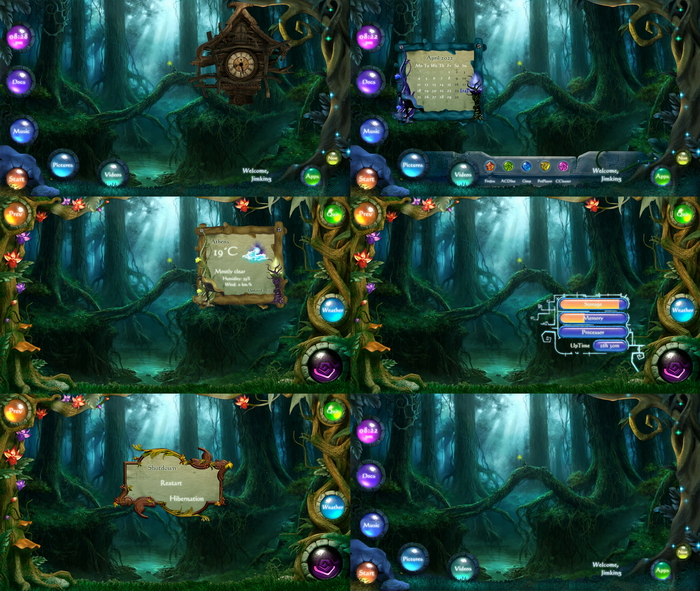
You can download the Cuckoo clock from here:
https://www.deviantart.com/jimking/art/Forest-Cuckoo-3D-Clock-for-xwidget-752576908
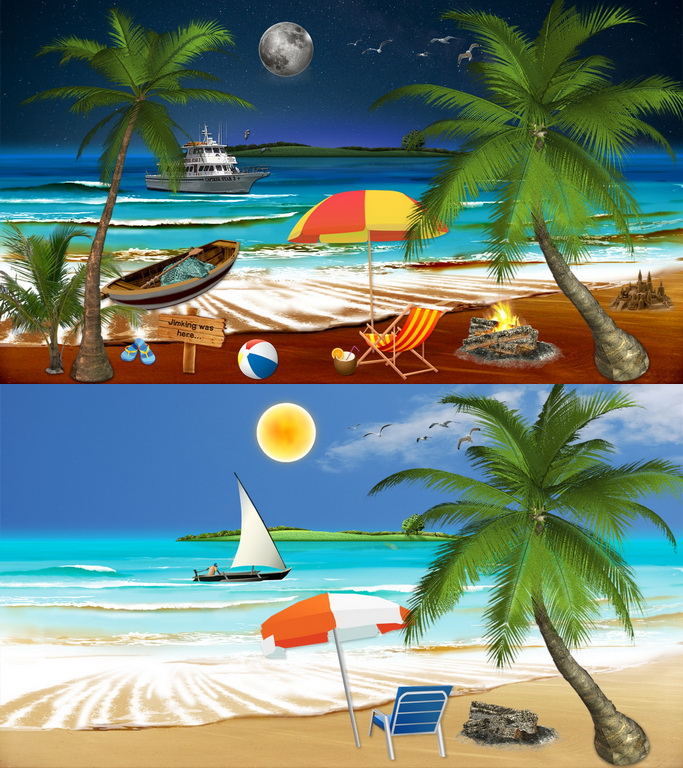
WALLPAPER HERE:
https://www.1zoom.me/en/wallpaper/346054/z1491.9/1920x1200
https://www.1zoom.me/en/wallpaper/346054/z1491.9/1920x1200
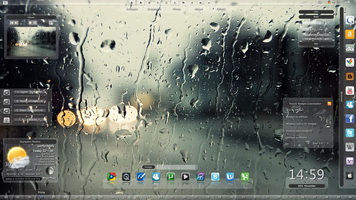
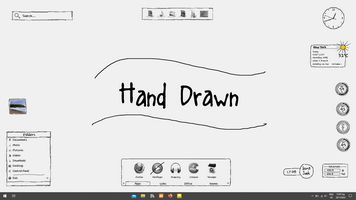
* Click on the "Next" to open the secondary screen. "Prev" to go back.
** Click on "Apps" to slide IN/OUT the applications panel.
*** Click on digital clock to show/hide the Calendar. Use the mouse wheel to change month, click on the month to GOToday
**** The glyph button shows the RAM level. Click on to show/hide the system info.
NOTE:
The widget loads in Bottom postion by default to make it more usable.
Right click for:
- Shortcut settings (on each shortcut)
- 12h/24h
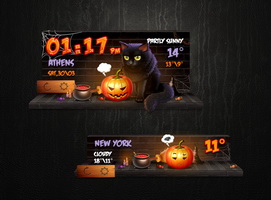
- Time Zone Settings
- Update Weather
- Weather Info
- Change Location
- Change temp unit
- Time Zone Settings
- Update Weather
- Weather Info
- Change Location
- Change temp unit
-- FITS ON 1920x1080 SCREEN RESOLUTION --
--------------------------------------------------------
If you like and enjoy my work and you're looking for a way to express your gratitude, I'd appreciate any donation to my PayPal account.
THANK YOU!
paypal.me/Jimking81
THANK YOU!
paypal.me/Jimking81
--- I M P O R T A N T ---
ANY REPRODUCTION, SHARING, COPY OR SALE OF MY WORK WITHOUT MY PERMISSION IS STRICTLY NOT ALLOWED